Deze uitleg is beschikbaar in het Engels.
Add Favorites
If you found someone interesting who you want to add to your favorites to make contact easier later on, you can do that as follows:
1. At the top of the profile of the person you want add to your favorites, you will find four buttons;
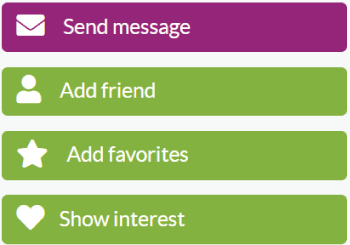
2. To add a member to your favorites list, simply click on the 'Add favorites' button.
3. Once you added a member to your favorites, the color of the button change to blue with the text 'Added to favorites'.

All your potentional matches that you added to your favorites list can be found on the Favorites page.
Remove Favorites
1. To remove a member who you added to your favorites click on the left sidebar on 'Favorites';

2. Look for the member you want to remove, and click on the 'remove' button.

If you have any questions, you can always contact our customer service. We can be reached 24/7 by using the contact form
If you want to read this explanation again at your convenience, then click here to download the PDF file