How to create a free account?
If you are for the first time on My Ladyboy Cupid you first have to register yourself. You register for free and easily by clicking on the "Register for FREE" button in the top right of the screen.

This will take you to the register page where you can enter your details, direct link: Create a FREE account
Enter the requested information and click the 'Sign up and Create Account' button at the bottom to confirm your registration. If you want you can read through our terms and conditions of use.

You can also use your Facebook account to register on our website. Just click on the 'Sign Up with Facebook’ button.

You will receive an email confirmation shortly at the address you have registered with. That e-mail contains a link to confirm your registration. Do not receive e-mail? In that case, check your spam and / or the unwanted e-mail folder.
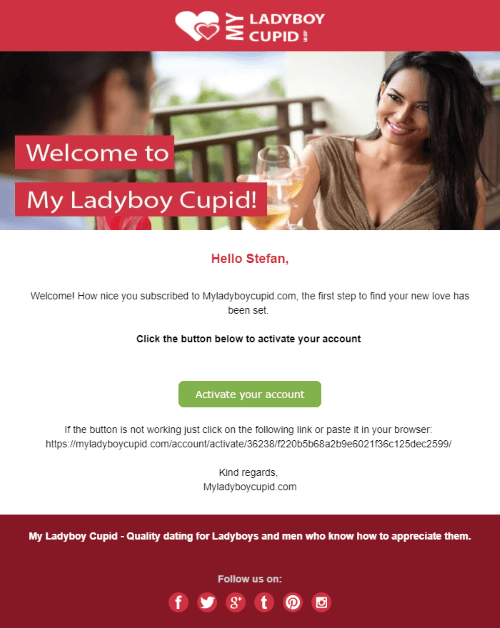
To activate your account, simply click on the link of the registration e-mail
Once clicked on the link and your account is activated and you will see a welcome page.
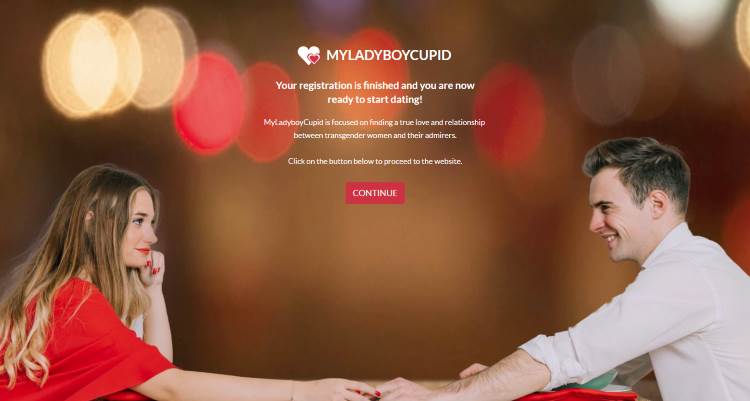
Then click on 'continue' button and go to Edit profile and you can start filling in your profile.
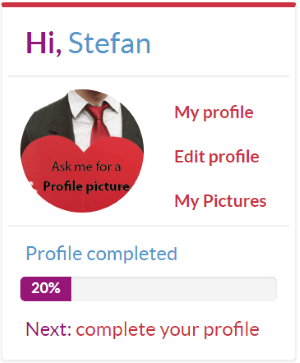
and write a short introduction about yourself.
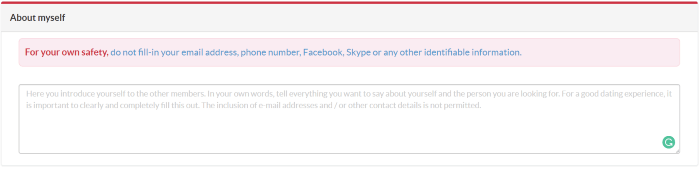
At the bottom of the page, you can save your profile.

If you have any questions, you can always contact our customer service. We can be reached 24/7 by using the contact form
If you want to read this explanation again at your convenience, then click here to download the PDF file
Back to top